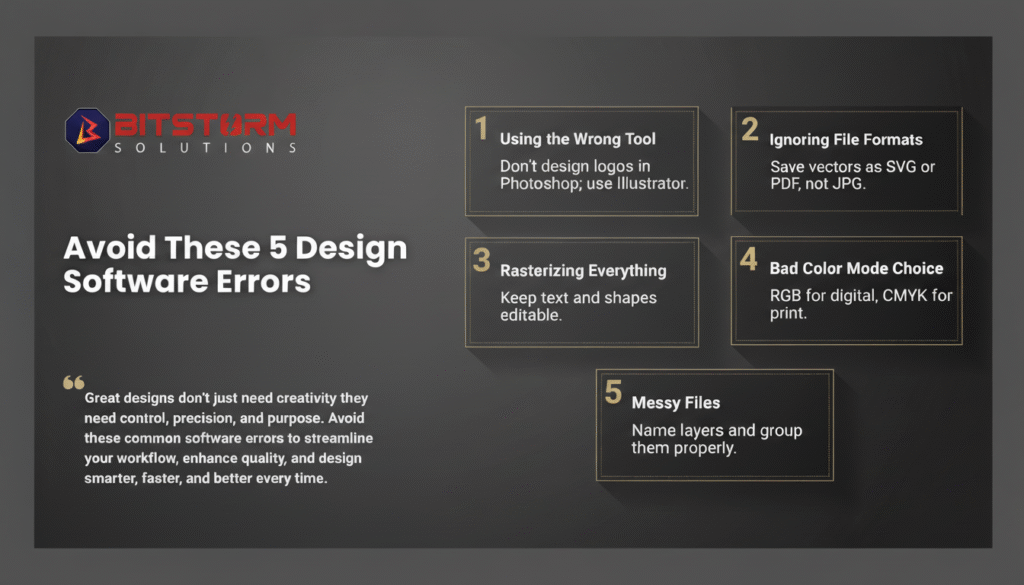
Mastering design software isn’t just about creativity, it’s about precision, discipline, and efficiency.
In today’s fast-paced creative industry, a designer’s success depends not only on artistic vision but also on how well they understand and manage their tools. Even the most creative ideas can lose their impact if the design process is inefficient or riddled with technical errors. To help you design smarter, here are five common software mistakes every designer should avoid and how to fix them.
1. Using the Wrong Tool for the Job
Every design tool has its purpose. Photoshop is great for image editing, but not ideal for creating logos or scalable graphics. For logo design, vector-based tools like Adobe Illustrator or CorelDRAW are the right choice. Choosing the correct software from the start ensures better quality, scalability, and consistency in your designs.
2. Ignoring File Formats
File format mistakes can lead to poor print quality and pixelated visuals. For vector graphics, always save in SVG, EPS, or PDF formats not JPG or PNG. This ensures that your designs remain sharp and scalable, no matter the size. For web and digital use, optimize your files without compromising on clarity.
3. Rasterizing Everything
Rasterizing text and shapes too early locks your design and makes future edits difficult. Always keep text and vector elements editable until your final export. This saves time, maintains flexibility, and allows for quick adjustments if a client requests changes.
4. Choosing the Wrong Color Mode
Understanding the difference between RGB and CMYK is crucial. RGB is best for digital screens, websites, social media, and digital ads while CMYK is the standard for print materials. Using the wrong mode can drastically change color accuracy and overall design quality.
5. Managing Messy Files
A cluttered project file slows you down and confuses collaborators. Always name your layers, group related elements, and keep your workspace organized. This habit improves workflow efficiency and shows professionalism when sharing files with clients or team members.
Design Smarter, Faster, and Better
Great design is a balance of creativity and control. It’s not just about visual appeal but also about workflow mastery. By avoiding these common mistakes, you can elevate your productivity, maintain design quality, and deliver consistent results across projects.
Remember, design is both an art and a science and mastering the process is what sets professionals apart from amateurs.
The future of retail will belong to those who leverage intelligence, not assumptions.